You SSH in to edit crontab, typo the minute field, and wonder why the backup ran seventeen times before breakfast. The logs? Somewhere in syslog if you remembered to redirect output.
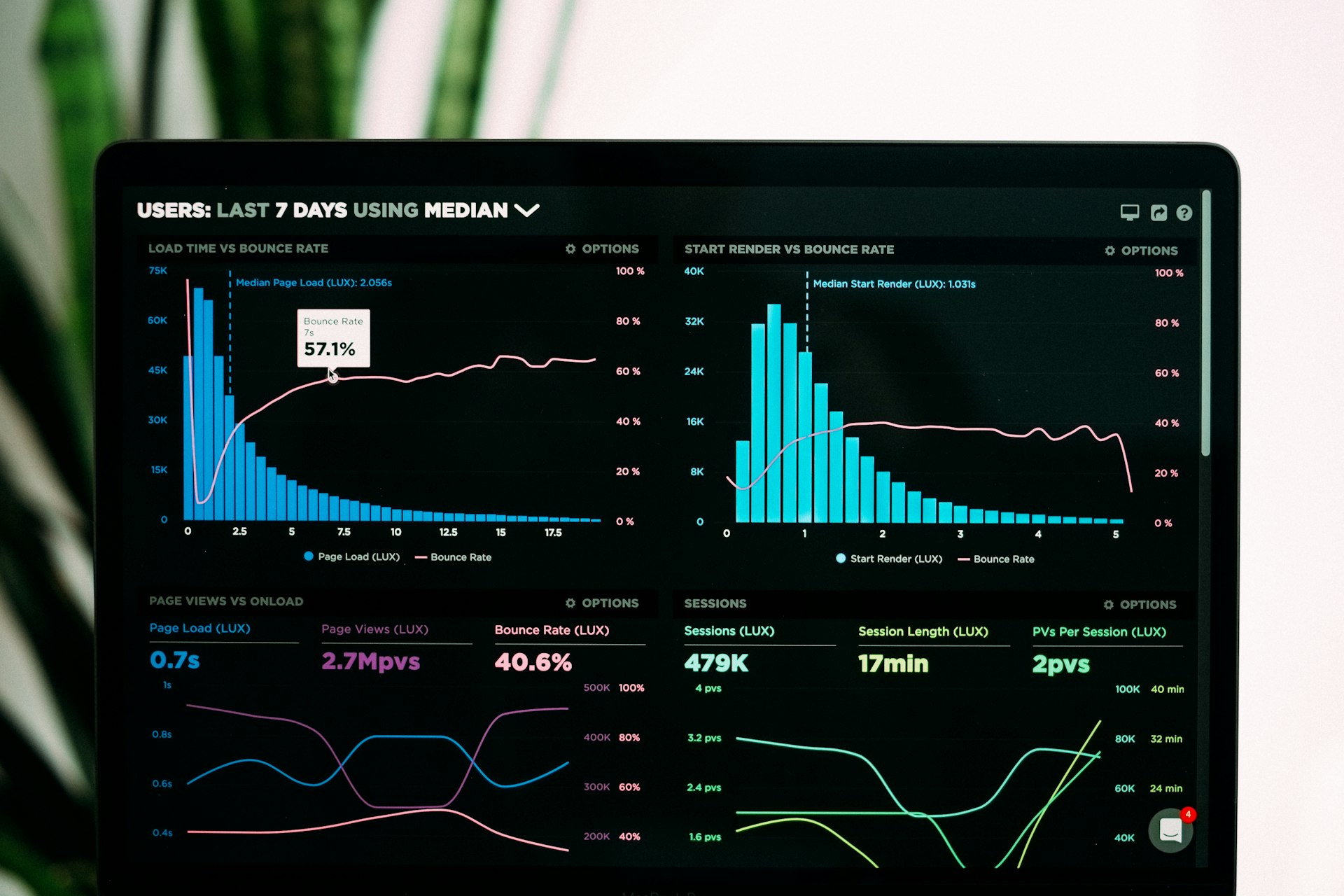
Cronmaster (~1.4k GitHub stars, AGPL-3.0, TypeScript/Next.js) is a web UI that sits on top of real cron on the host: view and edit jobs with comments, use schedule presets, manage bash scripts in a folder, and optionally capture stdout, stderr, exit codes, and timestamps with SSE live streaming while a job runs. It is not a replacement cron daemon; it is how humans manage the one you already have.
What it does
- Crontab CRUD — create, clone, delete jobs with human-readable helpers for standard five-field syntax.
- Script editor — store snippets under
./scriptsand reference them from cron lines. - Execution logging — optional per-job logging with history and cleanup; live tail for long runs; jobs without logging run synchronously with a five-minute cap.
- System snapshot — uptime, memory, CPU, GPU where supported.
- Auth — password, optional OIDC (Authentik, Keycloak, Entra ID, etc.), REST API with API keys.
- UI — dark/light mode, mobile layout, multiple languages.
If you need a fleet of workers and plugins across servers, we covered Cronicle last week. Cronmaster is the opposite bet: one machine (or one container bound to that machine's crontab), minimal moving parts, actual libc cron executing commands.
Why self-host?
Your schedules stay on your box. Job definitions and execution logs live in your volumes, not a cron SaaS with a monthly seat fee.
Readable history. When a certbot renewal fails, you open the log panel instead of guessing which log file rotation ate.
SSO for the team. OIDC lets ops share access without handing everyone root over SSH just to read crontab.
Canadian VPS angle. A single Beauharnois or Toronto VPS running Cronmaster plus your existing jobs keeps scheduling metadata and log files under your backup policy.
Security honesty. The recommended Docker Compose runs privileged: true, pid: host, and often as root so the container can edit the host crontab file directly. That is powerful and risky: isolate the instance, use strong AUTH_PASSWORD or SSO, TLS in front of port 40123, and do not expose it to the public internet without thought. AGPL-3.0 applies if you offer it as a multi-tenant service.
Quick Docker start
services:
  cronmaster:
    image: ghcr.io/fccview/cronmaster:latest
    ports:
      - "40123:3000"
    environment:
      - AUTH_PASSWORD=CHANGE_ME
      - HOST_CRONTAB_USER=root
    volumes:
      - /var/run/docker.sock:/var/run/docker.sock
      - ./scripts:/app/scripts
      - ./data:/app/data
      - ./snippets:/app/snippets
    pid: host
    privileged: true
    init: true
    restart: always
Open http://your-host:40123. Set HOST_CRONTAB_USER to the Unix account whose crontab you manage. See howto/DOCKER.md in the repo for the full variable list.
Who it's for (and who should skip it)
Good fit: homelabbers and small MSPs with one or few Linux servers; teams tired of crontab -e roulette; anyone who wants presets and log history without adopting a full orchestrator.
Skip it: multi-server job fan-out (use Cronicle or Airflow); Windows-only shops; environments that cannot tolerate a privileged container editing crontab.
Hosting in Canada
Cronmaster is light on resources but heavy on privileges. Run it on a dedicated ops VM, back up ./data, and firewall the UI.
Talk with Swift Host if you want a Canadian VPS scoped for privileged Docker cron tooling plus TLS. We are in St. Albert and actually answer the phone.