Fifteen servers still run their own crontabs. One job emails you at 2 a.m. because someone typo'd a path in 2019. You want a calendar, live logs, and a button to run the backup now without SSH roulette.
Cronicle (~5.9k GitHub stars, MIT, Node.js) is a distributed task scheduler with a web UI: schedule repeating or one-off jobs, run shell commands or plugins in almost any language, fan work out to worker servers, watch CPU and memory per job, and tail logs in the browser. Creator Joseph Huckaby is steering new feature work toward successor xyOps, but Cronicle still gets maintenance and security fixes and remains a solid self-hosted cron replacement.
What it does
- Primary + workers — one scheduler assigns jobs; workers sit idle until called; optional backup primaries with shared storage for failover.
- Events and plugins — cron-like schedules, categories, time zones, queues for long jobs; plugins speak JSON over stdio.
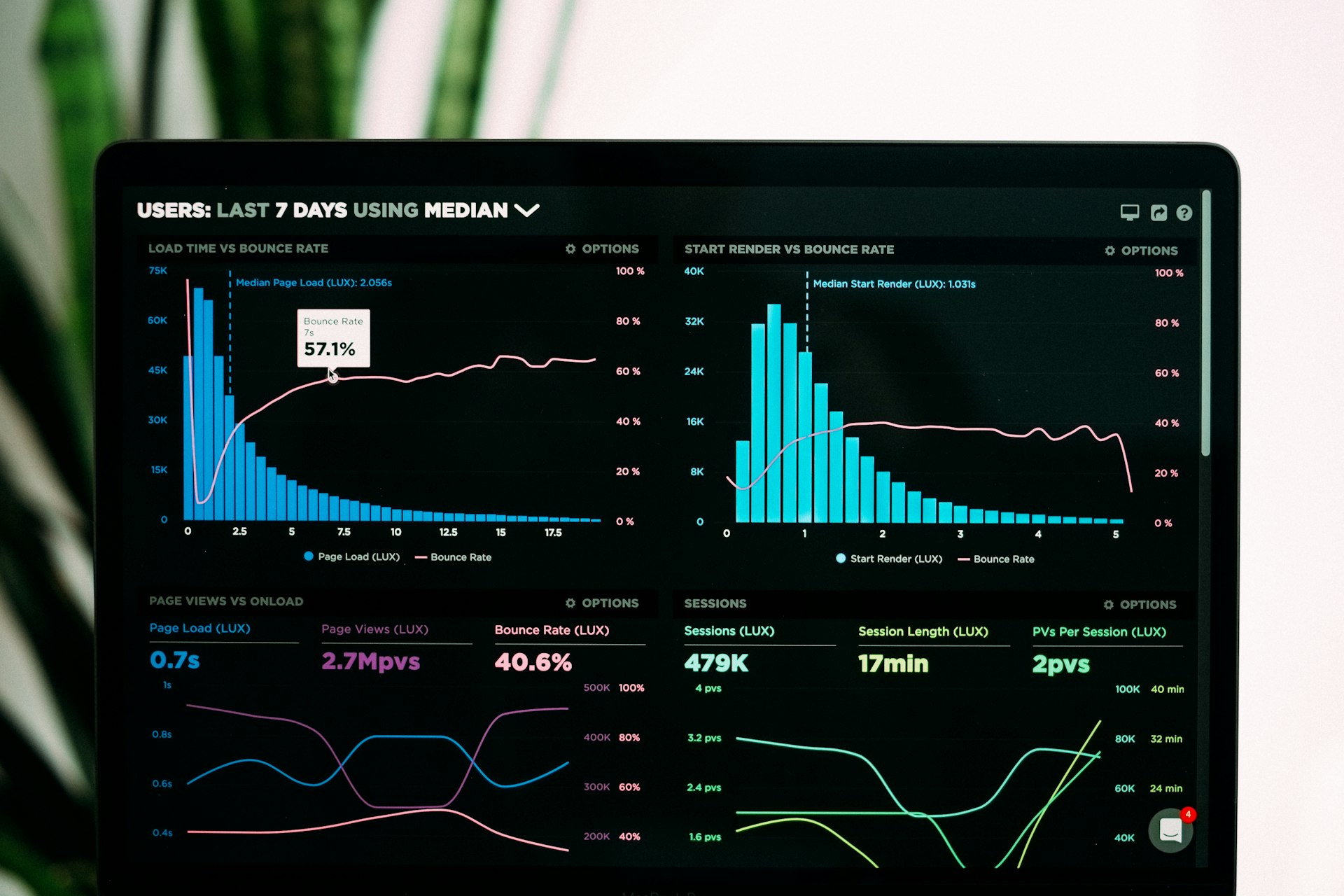
- Operations UI — live log viewer, historical graphs, webhooks for external alerts, REST API and API keys for remote triggers.
- Storage — default JSON-on-local-disk for single-primary setups; Couchbase, S3, or NFS when multiple primaries need shared state.
This is not Airflow: no Python DAG graph for warehouse ETL. Cronicle is closer to "cron with adults in the room" for shell maintenance, plugin scripts, and small teams that outgrew crontab but do not want a data platform.
Why self-host?
Job definitions stay on your network. Schedules, logs, and API keys live on your servers, not a vendor cron SaaS.
Multi-server without Kubernetes. Add worker boxes, tag server groups, and let the primary push work; UDP discovery on port 3014 is optional, not mandatory magic.
Readable failure mode. When a backup script fails, you open one UI, see which host ran it, and read the log without grepping /var/mail/root.
Canadian VPS fit. A primary in Beauharnois plus workers in the same region keeps job metadata and logs under your residency story for shops documenting internal ops tooling.
Install basics
Cronicle targets Linux/macOS with Node.js 22.12+ and npm. As root:
curl -s https://raw.githubusercontent.com/jhuckaby/Cronicle/master/bin/install.js | node
/opt/cronicle/bin/control.sh setup   # primary only, once
/opt/cronicle/bin/control.sh start
Default UI port 3012. Setup creates admin / admin — change immediately. Set base_app_url, SMTP, and secret_key in /opt/cronicle/conf/config.json before you rely on it in production. Workers copy the same config and start the service; do not run setup on workers.
Put TLS on a reverse proxy in front of 3012; restrict API keys; plan backups if your schedule data matters (local JSON under Cronicle's storage path).
Who it's for (and who should skip it)
Good fit: MSPs and small IT teams scheduling backups, certificate renewals, and report scripts; shops with a few Linux workers; anyone wanting on-demand "run this plugin now" from an API.
Skip it: if you need complex DAG dependencies and data lineage (use Airflow); if Windows is your only OS; if you want managed zero-ops with zero Node maintenance.
Evaluating xyOps? Upstream documents a Cronicle export/import path if you eventually want workflows and monitoring in the newer stack.
Hosting in Canada
Cronicle is lightweight compared to orchestration behemoths: modest RAM per primary, disk for logs, open TCP between primary and workers on your LAN or VPN.
Talk with Swift Host for primary/worker layout, TLS, and backup of Cronicle's storage on Canadian VPS or dedicated boxes. We are in St. Albert and actually answer the phone.