You liked the idea of an always-on AI assistant in Slack, until someone explained that the popular mega-fork runs half a million lines of code with dozens of config files and every channel in one fat Node process. You closed the laptop and went back to cron jobs.
NanoClaw (nanocoai/nanoclaw) is the opposite bet: small enough to read, agents in real Linux containers, and messaging adapters you install only if you want them. MIT license, about 31k GitHub stars at publish time, docs at docs.nanoclaw.dev. The author built it after deciding OpenClaw was too opaque to trust with full access to life and disk.
What it does
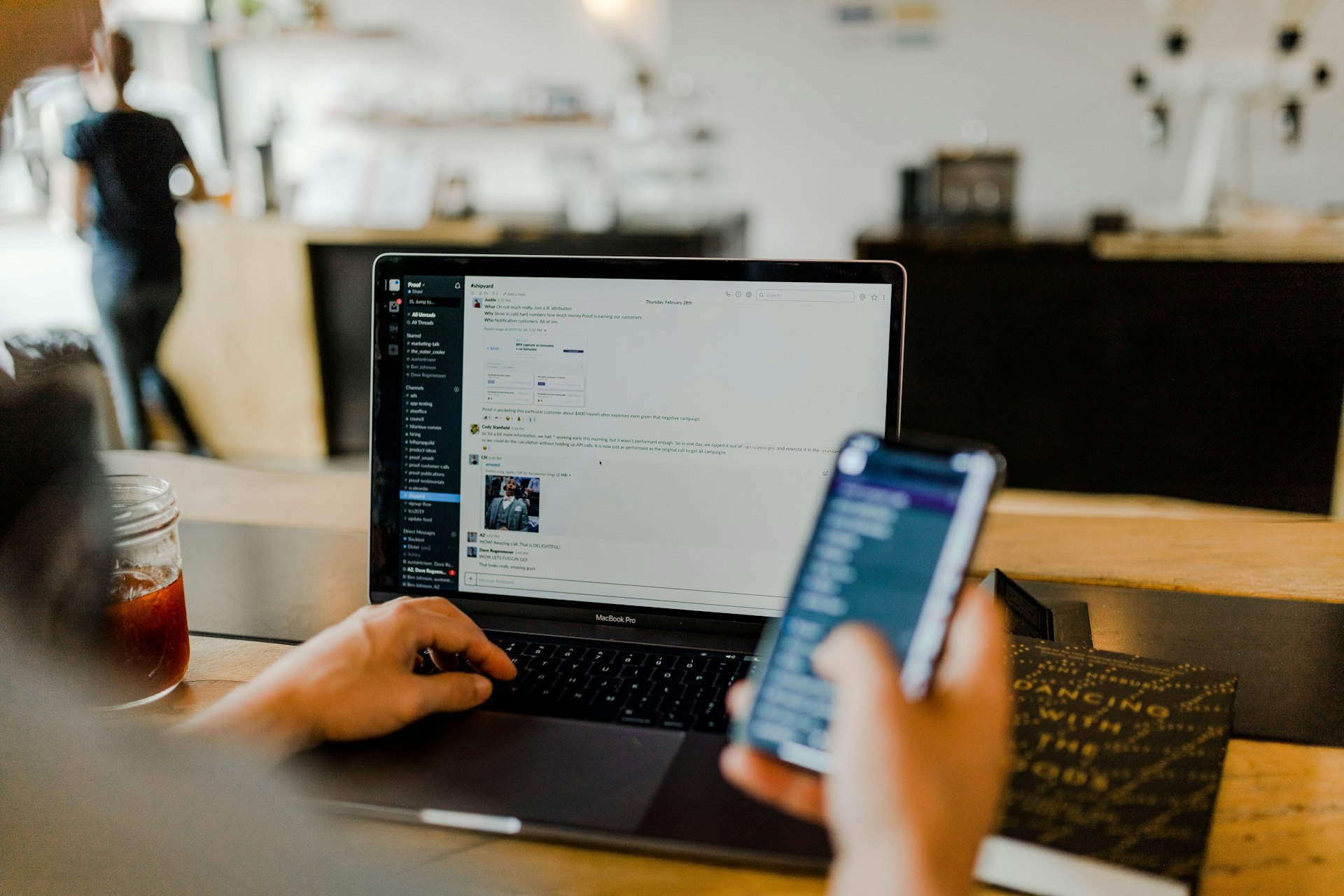
NanoClaw is a router plus per-agent Docker containers. You message a bot on Slack, Telegram, Discord, WhatsApp, or other channels (installed via skills, not a preloaded bloat bundle). The host writes to SQLite, wakes a container running the agent harness you chose (Claude Code by default, plus optional Codex, Cursor, OpenCode, Ollama paths), and ships replies back out.
Agents only see mounted folders you allow. API keys stay outside the container; outbound calls go through a credential gateway that injects auth at the proxy. That is a different threat model than "trust the allowlist inside one giant process."
Quick start is literally bash nanoclaw.sh: it can install Node, pnpm, Docker, register credentials, build the agent image, and pair your first channel. Scheduled tasks, web search, and multi-group isolation are first-class. Customization is "tell Claude Code to change the code," not fifty YAML files.
Why self-host?
A hosted chatbot SaaS sees your prompts, your files, and your integration tokens. NanoClaw's README says agents and messages do not leave your machine by default (optional diagnostics can be disabled). For Canadian teams piloting internal assistants, that is a clearer story than piping customer threads through a US inference UI.
Running it on a VPS also means the assistant stays on when your laptop sleeps. You still need Docker, Node 22+, disk for images, and someone who treats updates like production. This is not WordPress on shared hosting.
What you need on a server
Official requirements: macOS or Linux (Windows via WSL2), Docker Engine, modern Node and pnpm, jq, and Claude Code for setup skills and debugging. Budget RAM for multiple containers if you run several agent groups. Back up groups/, SQLite databases, and .env before upgrades.
Compare with our posts on lighter stacks: Open WebUI is browser chat for local LLMs; NanoClaw is "text the bot in Slack and let it run tools in a sandbox."
Good fit / skip it
Good fit: developers who want container-isolated agents, shops already on Slack/Telegram, homelab people comfortable with Docker, teams willing to own security review of a small codebase.
Skip it: regulated environments without appetite for messaging integrations, anyone expecting one-click cPanel install, or orgs that need a vendor helpdesk instead of "ask Claude Code why the scheduler stalled."
Hosting in Canada
Put NanoClaw on a Docker-friendly VPS or dedicated slice with enough CPU for image builds and concurrent containers. Keep volumes and SQLite on Canadian disk. Lock SSH, patch Docker, and treat channel webhooks like production secrets.
Bottom line
NanoClaw is a self-hosted, containerized AI assistant: channels you pick, harnesses you trust, credentials outside the sandbox. Read the code, run Docker, and message your agent without gifting a startup the keys to everything.
Talk with Swift Host if you want a Canadian VPS tuned for Docker workloads. We are in St. Albert and actually answer the phone.